
Display Your Brand on High-Quality Canvas
Custom canvas printing for businesses and offices in Roseville, California.
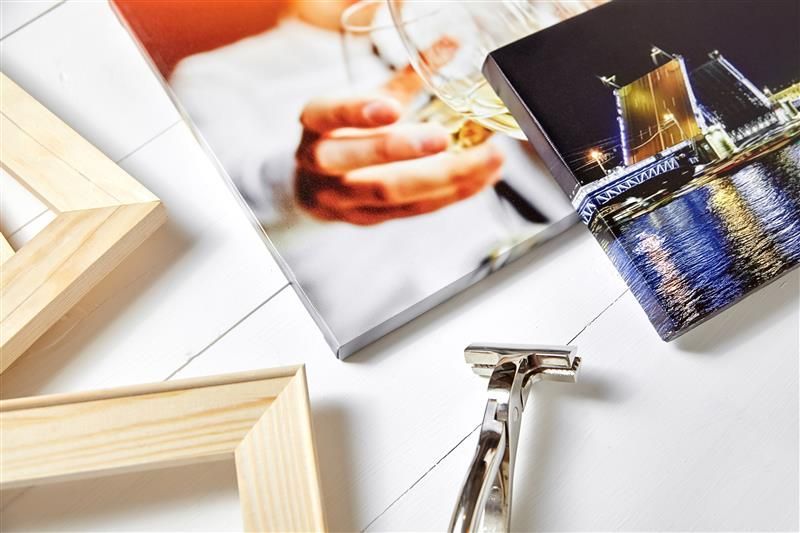
When you walk into a lobby or conference room and see a large, sharp image on canvas, it changes how the space feels. Businesses throughout Roseville use canvas prints to display artwork, photography, branding visuals, and messaging that reinforces their identity in spaces where clients and employees spend time. Whether you need a statement piece for a retail wall or a series of prints for an office hallway, canvas gives you a way to add color and visual interest without the weight and fragility of framed glass. Dynamic Imaging produces canvas prints that preserve color depth and image clarity using professional printing techniques designed for business and decorative use.
This service involves printing your image onto canvas material with attention to color accuracy, texture, and proper file sizing to avoid pixelation or distortion. The process begins with reviewing your file to confirm resolution and dimensions match your intended display size. Canvas printing works well for photographs, digital artwork, branded visuals, and custom designs that benefit from a textured finish. The final print is delivered ready for mounting or framing depending on how you plan to install it in your Roseville location.
If you are planning a canvas project for your office, retail space, or client-facing area in Roseville, Dynamic Imaging offers free estimates to help you understand sizing, file requirements, and pricing before moving forward.
Printed to Preserve Detail and Color Depth
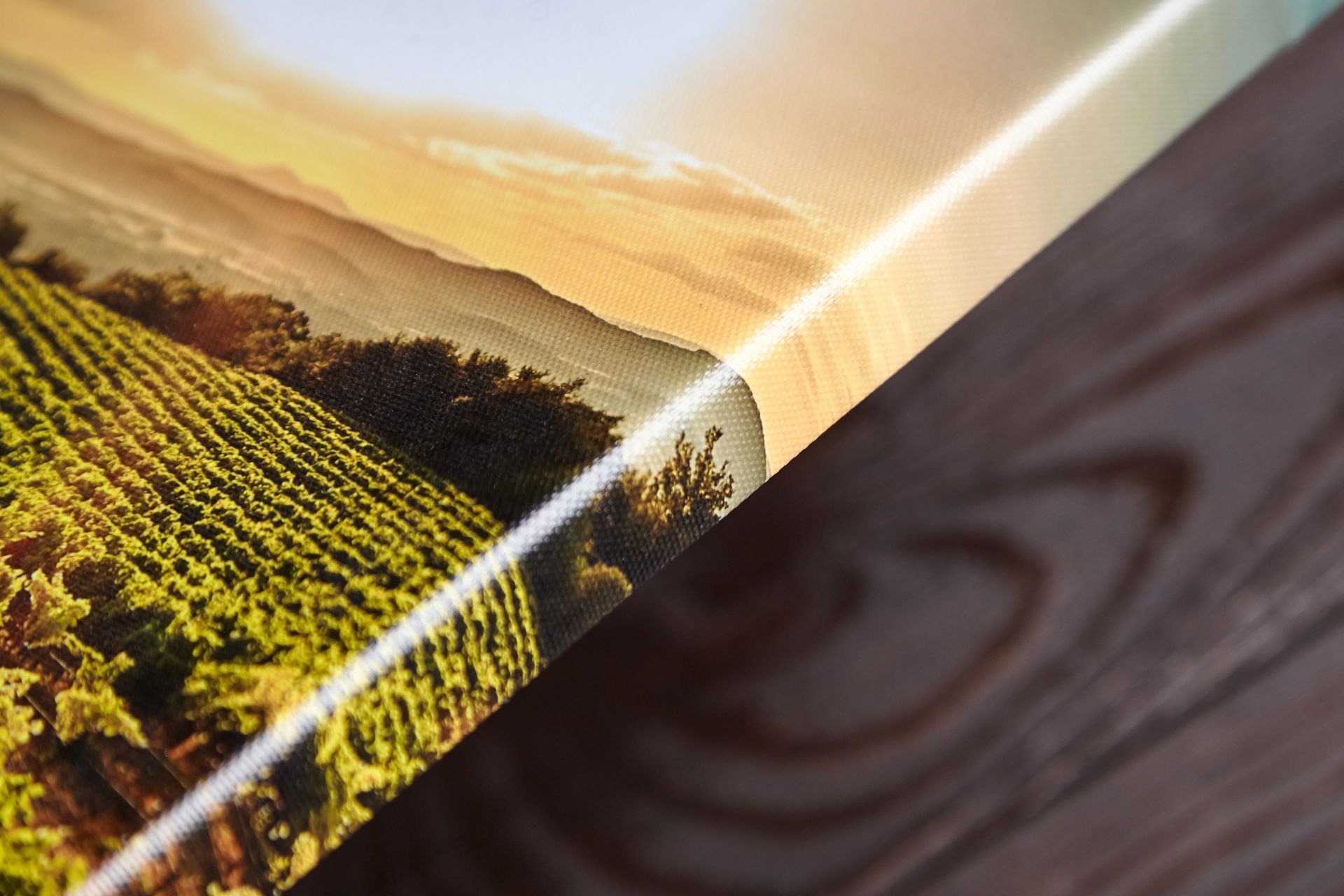
Your canvas is printed using techniques that maintain the tonal range and sharpness of your original image, which matters when you are displaying photography or artwork in well-lit spaces around Roseville. The canvas material itself adds a subtle texture that softens the look compared to glossy paper, making it a good fit for decorative and branding applications where you want a warmer, less reflective finish. File setup is checked before printing to confirm that resolution and color profiles are correct for the final size you need.
After the print is complete, you will see that fine details remain clear and colors stay true to your original file, even when viewed up close. The canvas surface does not produce glare under overhead lighting or near windows, so your image stays visible from different angles throughout the day. This makes canvas a practical choice for high-traffic areas such as lobbies, conference rooms, and retail displays where lighting conditions vary.
Dynamic Imaging backs each canvas print with decades of printing experience and a focus on craftsmanship that shows in the final result. The service includes guidance on file preparation if you are unsure about resolution or cropping, and you can request adjustments before the final print is produced. Canvas prints are not laminated by default, but the material is durable enough for indoor use in professional settings. This service does not include framing or mounting hardware, so you will need to arrange installation separately if you are not handling it yourself.
Common concerns about ordering canvas prints
Business owners in Roseville often ask about file requirements, sizing limitations, and how canvas compares to other print materials. The questions below address the practical details that come up most often before placing a canvas order.
What file resolution do I need for a large canvas print?
You should provide a file with at least 150 to 300 DPI at the final print size to avoid visible pixelation. Higher resolution files produce sharper results, especially for detailed photography or fine artwork that will be viewed up close.
How is canvas printing different from poster printing?
Canvas has a textured surface that does not reflect light the way glossy or matte paper does, and it does not require glass when framed. The texture softens the image slightly, which works well for decorative and branding purposes where you want a warmer, less clinical look.
What sizes can you print on canvas?
Canvas prints can be produced in a wide range of sizes depending on your file resolution and display needs. Dynamic Imaging will review your file during the estimate process to confirm the largest size your image can support without losing quality.
How long does it take to produce a canvas print?
Turnaround time depends on the size of your order and current production schedules, but most canvas prints are completed within several business days. You will receive a timeline during the estimate process based on your specific project.
Can you print multiple canvas panels for a single image?
Yes, your image can be split across multiple canvas panels to create a multi-panel display, which is common for large wall installations in Roseville offices and retail spaces. The file is divided carefully so the image aligns when the panels are mounted side by side.
If you are ready to add custom canvas prints to your office, lobby, or retail space in Roseville, Dynamic Imaging provides free estimates and works with you to confirm file quality and sizing before printing begins. The shop has served the greater Sacramento area for decades and focuses on delivering canvas prints that meet the standards businesses expect for their interiors.